
Olivia Bennett
Momentum attendee
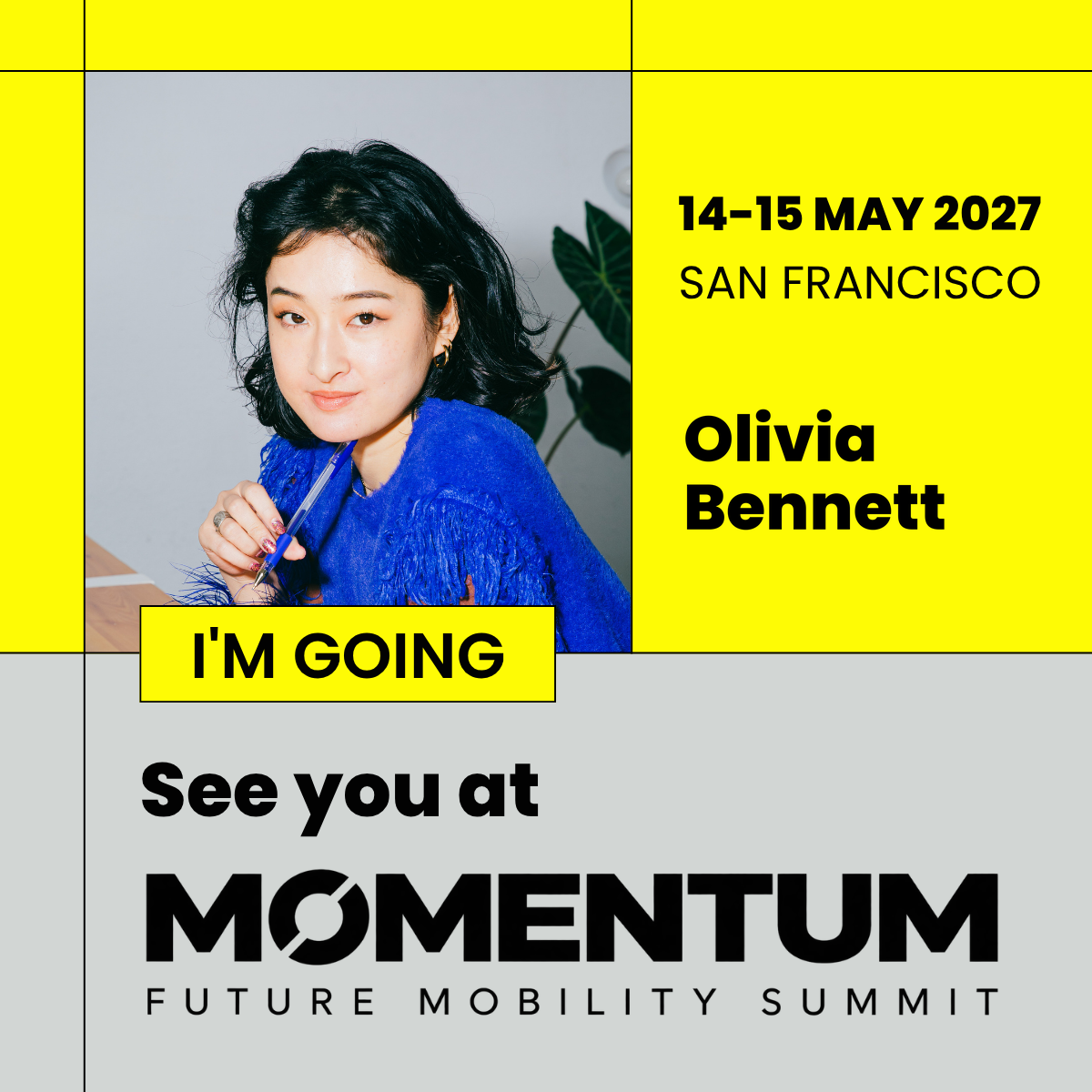
1h · ◉See you at Momentum in San Francisco on May 14 and 15, 2027! Looking forward to two days of fresh ideas and conversations about the future of mobility.
 Create your event pageCreate your event page
FOR EVENT ORGANIZERS
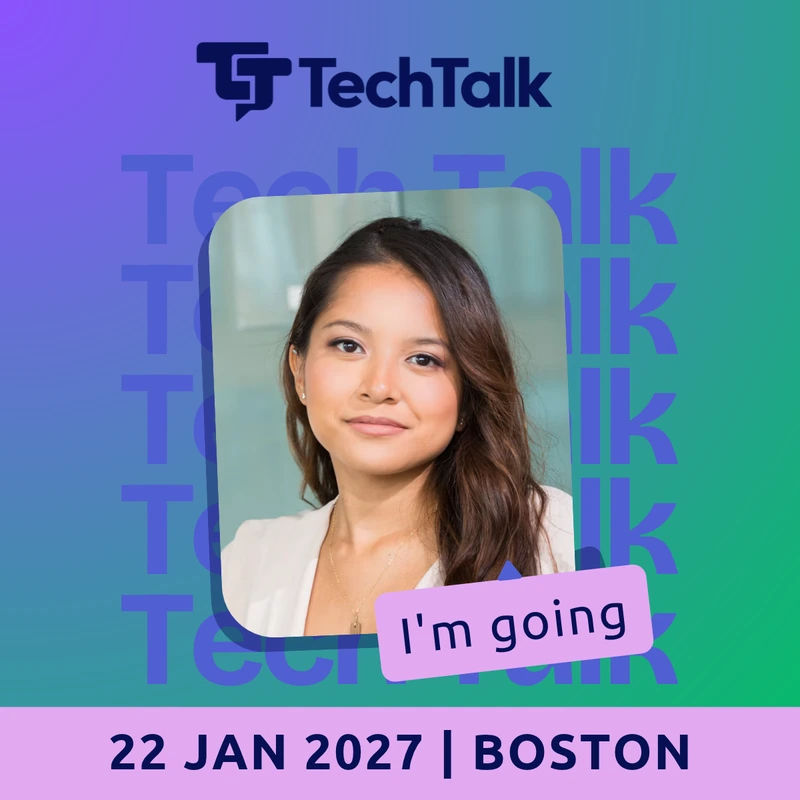
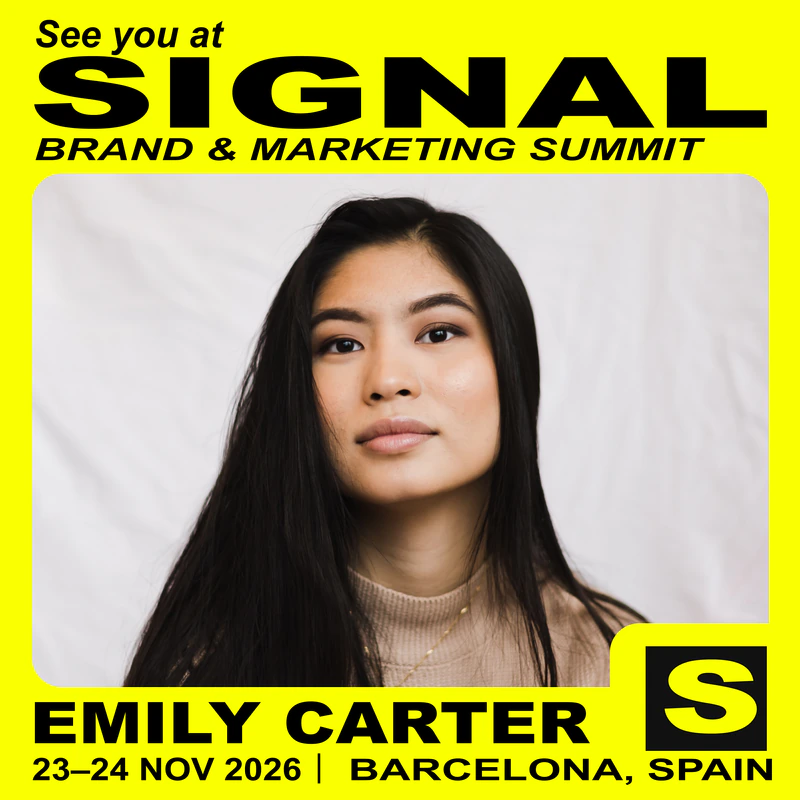
Create a branded landing page with your event’s design template. Attendees add their photo and name, then download their image to share with their LinkedIn network.
Free to create and preview. Pay when you publish.No credit card required. No account needed for the demo.
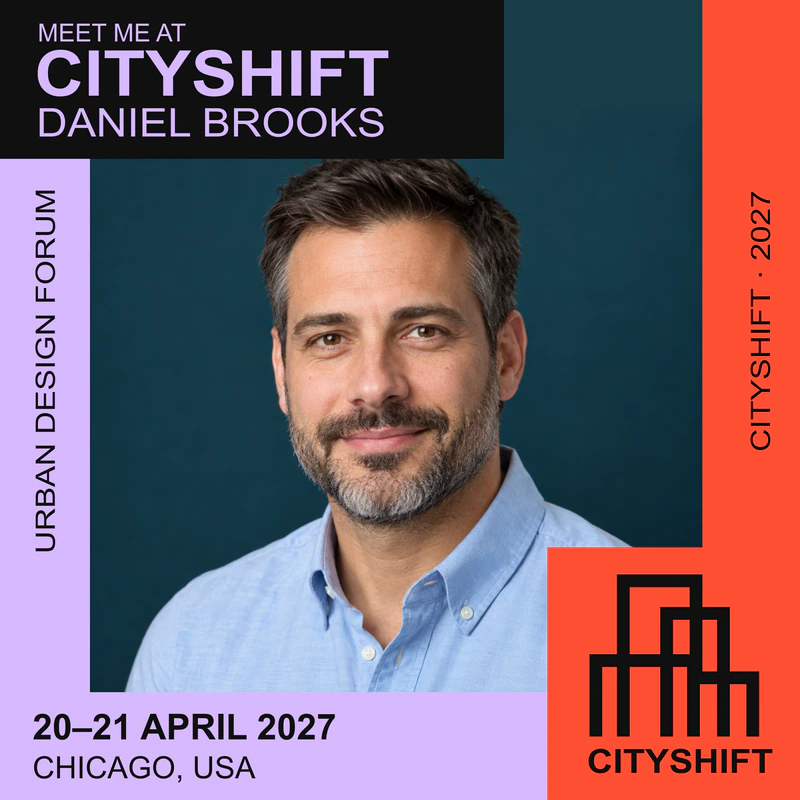
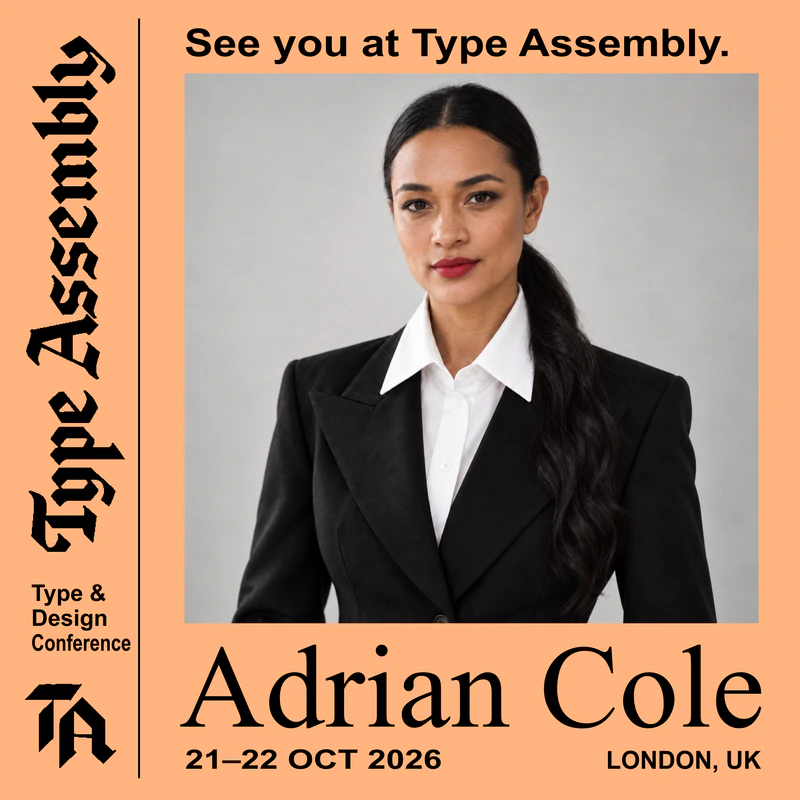
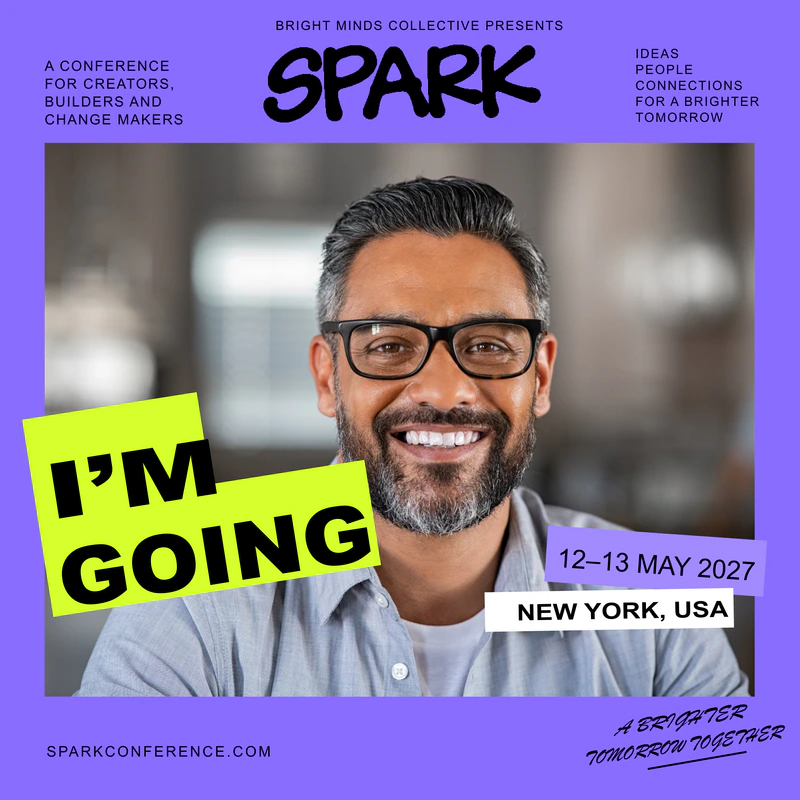
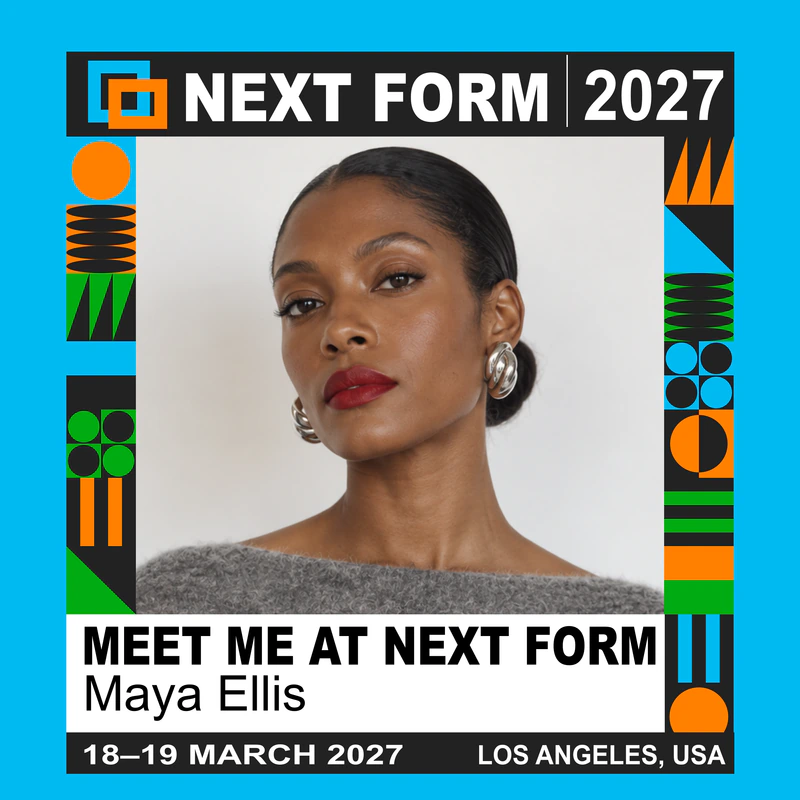
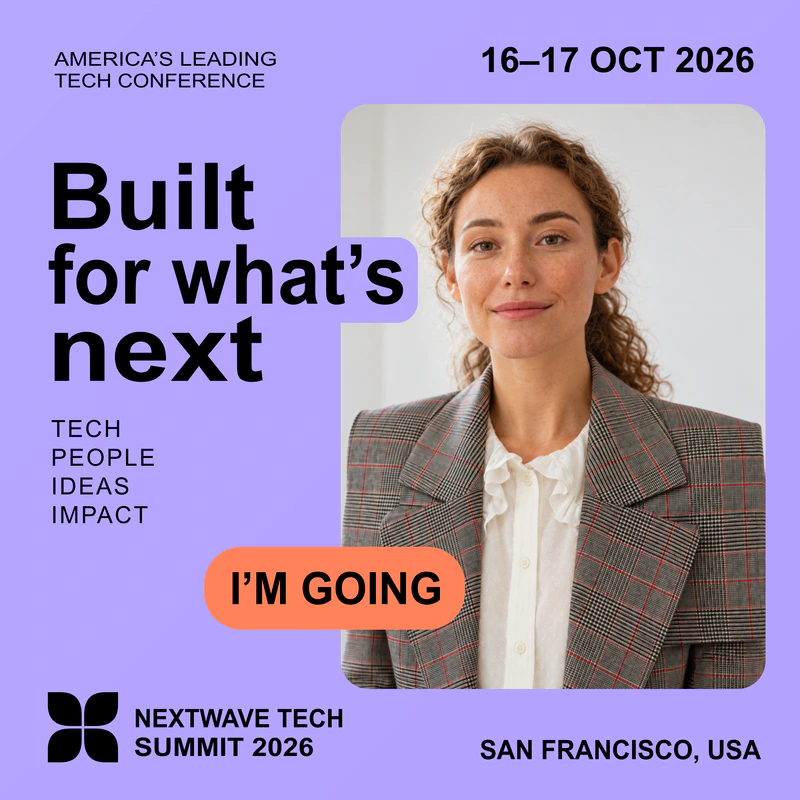
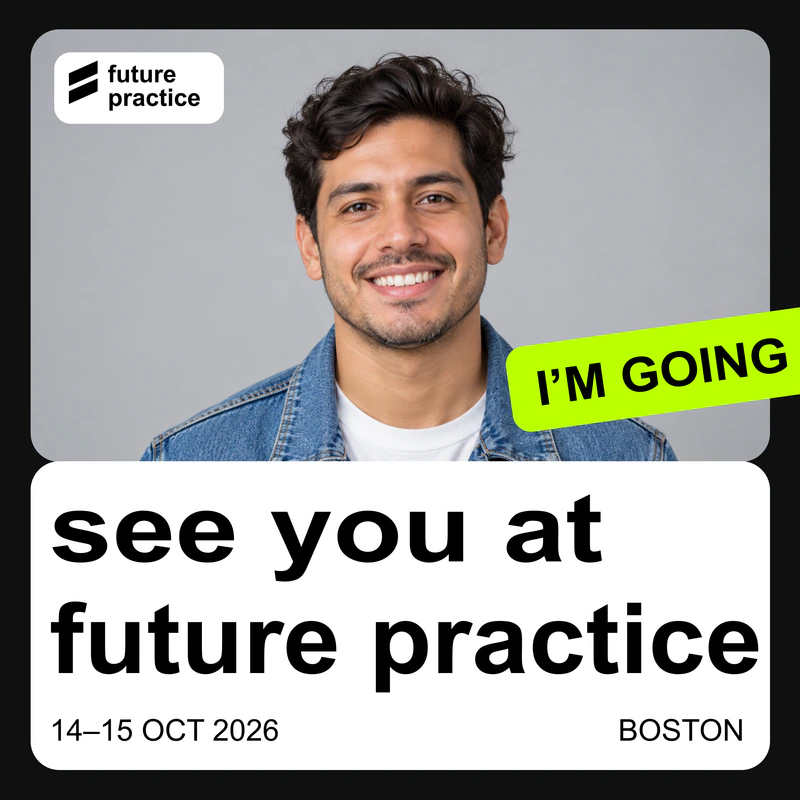
Branded LinkedIn images for
HOW IT WORKS
Upload your design and customize your event page.
Preview the full experience, then pay to publish. Share your event link in emails and on your website.
Attendees add their photo or company logo, download their image and share it. No account needed.
Momentum attendee
1h · ◉See you at Momentum in San Francisco on May 14 and 15, 2027! Looking forward to two days of fresh ideas and conversations about the future of mobility.
Momentum attendee
3h · ◉I’m heading to Momentum this May. Excited to meet the people working on what’s next for mobility. Who else is going?
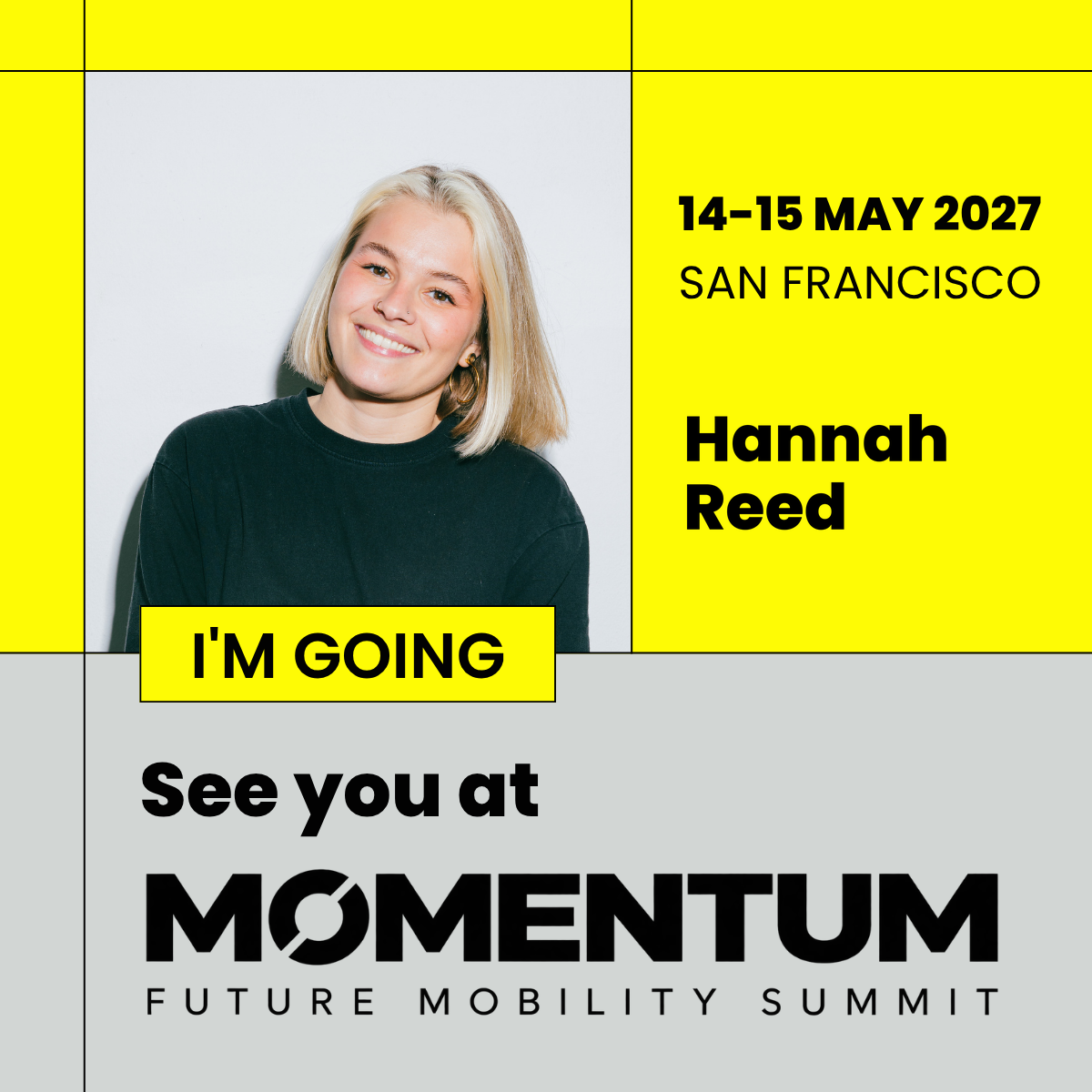
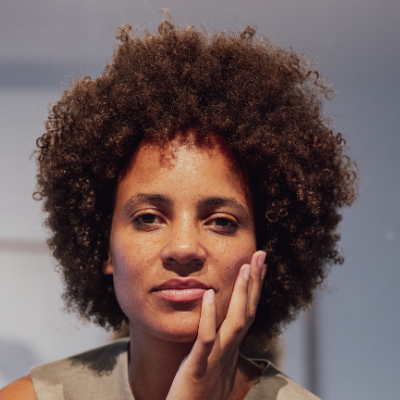
Momentum attendee
2h · ◉San Francisco, here we come. I’ll be at Momentum on May 14 and 15. Looking forward to new connections and fresh perspectives on future mobility.
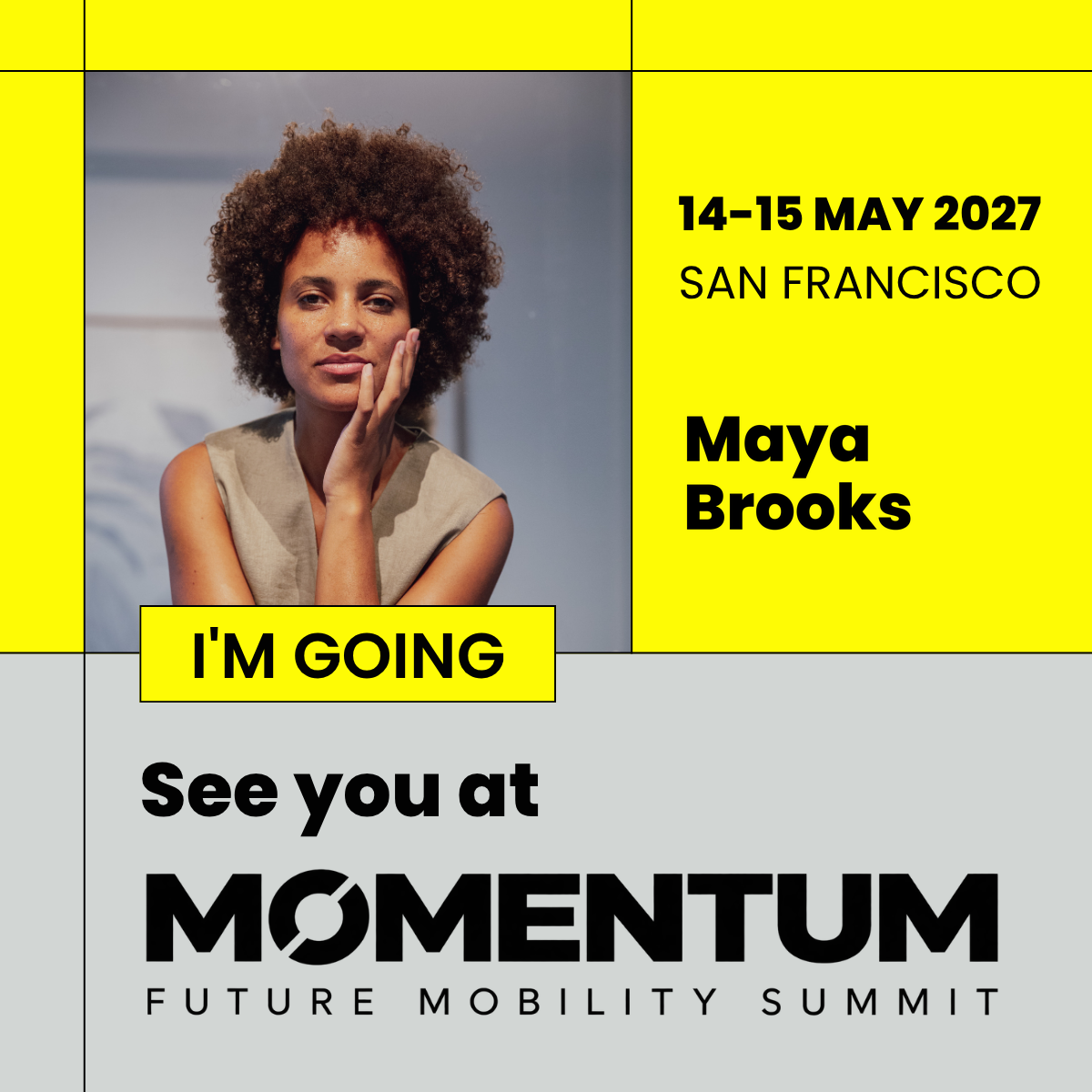
The same event template,
personalized by each attendee.
SIMPLE PRICING
Take your time creating and testing your page.
Pay only when you’re ready to share it with attendees.
One-time payment per event.
Additional templates$19 USD each
Manual renewal$45 USD for another year
One purchase covers one event or edition.
Includes one year of hosting from publication.
VAT or sales tax is calculated and added at checkout only if applicable.
Optional services · Charged separately from your event page.
| Event page bannerOne branded header image for your event page. | $65 |
|---|---|
| LinkedIn template designOne reusable template attendees personalize with their photo and name. Equals one template in your event page. | $99 |
| Additional template: adaptationA variation of your first template (new colors, text or format). | $29each |
| Additional template: new conceptA fresh design direction for a second template. | $75each |
Allow 3–5 business days for the first draft after your brief and assets are received, plus 1–2 business days per revision round.
Prices exclude VAT/sales tax, calculated at checkout. We'll confirm your brief, delivery date and total price before payment.
LET’S MAKE IT EASY
You can supply your own design template, or we can help create one through our optional design services. Attendees then personalize it with their photo and name. Design services are priced separately from your event page.
Prepare your event name, dates, location and branding, plus PNG design files for the sizes you want to offer.
Each template includes up to three sizes: square (1080 × 1080 pixels), portrait (1080 × 1350 pixels) and landscape (1200 × 627 pixels). Choose one, two or all three. If you offer several sizes, prepare and upload a separate design file with matching proportions for each size.
Keep each file under 8 MB. Leave a transparent opening for photos or an empty area for company logos, plus space for any personalized text. In the editor, set the photo or logo area and the text’s position, font size, color and alignment.
No. They open your campaign link, choose a design, add their photo and name, and download their finished visual.
A template is a different design on your event page—for example, separate designs for attendees and speakers. Any number of people can personalize the same template.
No. Attendees download their image, then upload it and write their own LinkedIn post. They stay in control of what they share and when.
You can see basic campaign page visits and image downloads. These show campaign activity; they do not measure LinkedIn posts, reach or event registrations.
Your event page stays live for one year from first publication, with unlimited attendees and downloads. You can purchase an extension to keep the same event page available for another year. Each purchase covers one specific event or edition; another event or next year’s edition needs a new page and purchase. Your event name, dates and page address are fixed after publication. Contact support for corrections or rescheduling.
Photos and entered names are processed on the attendee’s device. They are not uploaded to or stored by The Buzz. Closing or reloading the page clears that session; downloaded images remain on the attendee’s own device. Organizers receive aggregate page-visit and download counts, not attendees’ photos. Attendees choose whether to share their image on LinkedIn.
Ask us about Buzz or get help setting up your event page.
Get your event into more LinkedIn feeds through posts shared by your attendees.
Fixed price per event · Unlimited attendees